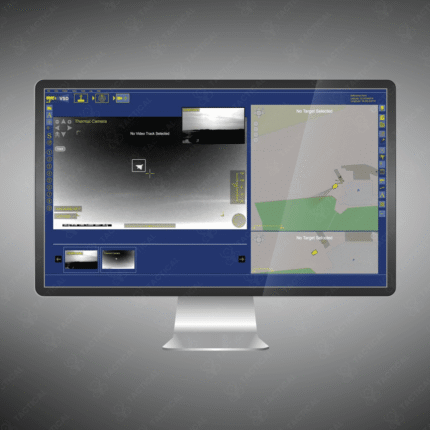
Best VSD Display Application
-
Modern VSDs display real‑time process variables (speed, current, torque, energy‑use) directly on their keypad/display — making them hugely helpful for monitoring without needing external HMI.
-
The onboard display enables custom scaling and labelling (for example showing flow rate in L/s instead of motor speed in rpm) which improves user clarity for the application.
-
For applications like fans, pumps or compressors where load varies, the VSD display helps you instantly see energy‑saving benefits and operational status (so it’s not just a controller, but an informative tool).
-
The display supports diagnostics and fault codes: many include simple menus, status icons (RUN, FAULT), and parameter views which help maintenance and operations staff quickly evaluate system health.
-
Because the display is built into the drive, it reduces need for extra instrumentation or discrete panels — so it’s a cost‑effective display application in industrial setups.
-
The best display apps for VSDs are intuitive: good resolution, plain‑language labels, multiple variables at once, and minimal menu‑browsing — these features increase operator effectiveness and reduce errors.
Showing the single result