Wi-Fi Analyzer and troubleshooting
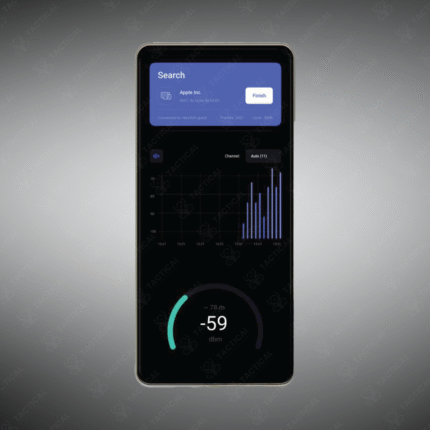
Wi-Fi Analyzer and Troubleshooting refers to the combined use of software tools and methodologies to monitor, evaluate, and resolve issues within a wireless network. This process involves using analyzer apps to visualize the RF environment, measure signal strength, identify interfering devices, check for channel congestion, and validate security settings. Effective troubleshooting uses this data to implement solutions—such as changing channels, relocating an access point, or updating firmware—to restore optimal Wi-Fi performance, reduce latency, and eliminate dropouts for users.
-
Identifies weak signal areas (dead zones) and sources of RF interference.
-
Analyzes channel utilization to recommend less congested channels.
-
Verifies security settings and detects unauthorized (rogue) access points.
-
Helps diagnose common problems: slow speeds, intermittent connectivity, and authentication failures.
-
Provides actionable insights for both home users and IT administrators.
-
Essential for maintaining a healthy, fast, and secure wireless network.
Solve Wi-Fi problems quickly. Master Wi-Fi Analyzer and Troubleshooting techniques and tools for reliable, high-speed wireless connectivity.
Showing the single result