SPX Radar Web Server: How to display radar data
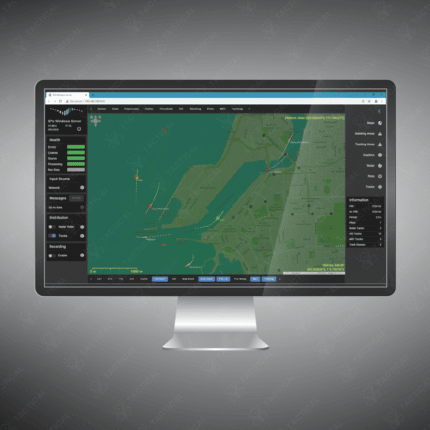
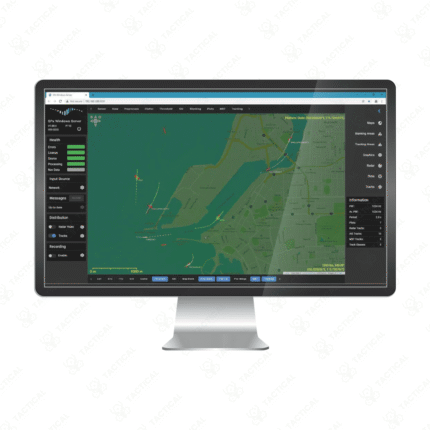
The SPX Radar Web Server revolutionizes access to radar information by displaying data directly through a standard web browser, eliminating the need for complex dedicated workstations. To display radar data, the server processes raw information from connected radar sensors and streams it over a network to any authorized device. Users simply log into a secure web portal from a computer, tablet, or smartphone. The interface then presents a dynamic geographical map with real-time plots and tracks, often with customizable layers for weather, topographical data, and flight plans, providing an intuitive and comprehensive common operational picture for all personnel.
Key Steps to Display Data:
-
Connect the radar sensor to the server hardware for data acquisition and processing.
-
Access the secure web application via a URL on any compatible internet browser.
-
Authenticate with unique user credentials for secure, role-based access.
-
View the main situational display featuring a map with overlaid real-time radar tracks.
-
Utilize zoom, pan, and filter tools to focus on specific areas or target types.
-
Access historical data playback and generate reports for post-mission analysis.
Achieve instant, fleet-wide situational awareness. Learn how to seamlessly display critical radar data with the SPX Radar Web Server from Tactical Supply Pakistan.
Showing the single result