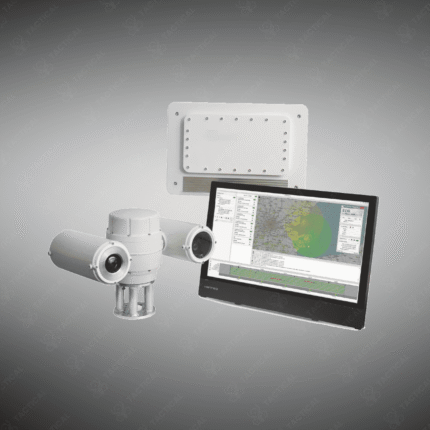
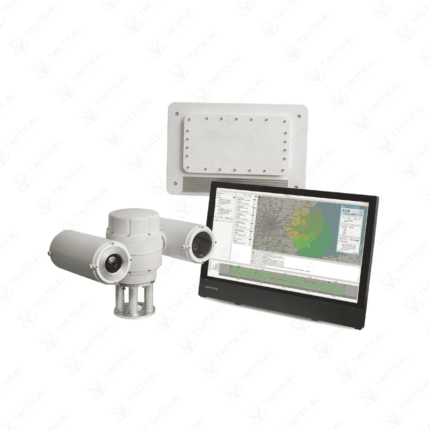
Multi-Channel Recorder Replays Radar Data
-
Supported Data Channels & Formats
-
How many radar input channels? Does it support AIS/ADS‑B/track data?
-
Does it support network video streams, audio, navigation messages?
-
Example: the RDR supports primary radar video, track reports, AIS, ADS‑B, NMEA‑0183, ONVIF/RTSP video.
-
-
Synchronization & Replay Capability
-
Must time‑stamp all channels so during replay you can correlate radar returns, camera video and other streams.
-
Replay should allow jumping to timestamps, event markers, exporting segments. RDR includes timeline display with thumbnails and event markers.
-
-
Storage & Scalability
-
Large storage capacity since radar + video + multiple channels generate high data volume.
-
Ability to schedule recordings, auto‑delete old sessions, archive. Example: RDR supports session scheduler & auto‑deletion.
-
-
Input/Output Interfaces
-
Check physical and network inputs (ethernet, serial, SDI, etc) and outputs for replay.
-
For radar video replay you may need specific output cards (RDR uses HPx‑310 output card for analog radar replay)
-
-
User Interface & Control
-
Easy user interface to monitor status of channels, quick look, ensure data is being recorded correctly.
-
Remote control capability (via network or web interface) is a useful feature. RDR supports local GUI, network and web interface.
-
-
Deployment & Environment
-
Consider whether it’s a field deployable unit or a rack‑mount lab system.
-
Ensure ruggedness, reliability, power backup if needed for tactical/military use.
-
Also check for local support, compatibility with local radar formats, integration with your existing systems.
-
Showing the single result